
Tasks
Schedule prompts, reminders, watchers, and playbook runs
Tasks automate recurring work on a schedule or trigger cadence. They are best used for predictable operations, reminders, and monitoring loops. Recent reliability improvements make tasks and long-running prompt workflows more resilient for larger multi-step work.
Open Tasks from the sidebar to configure them.
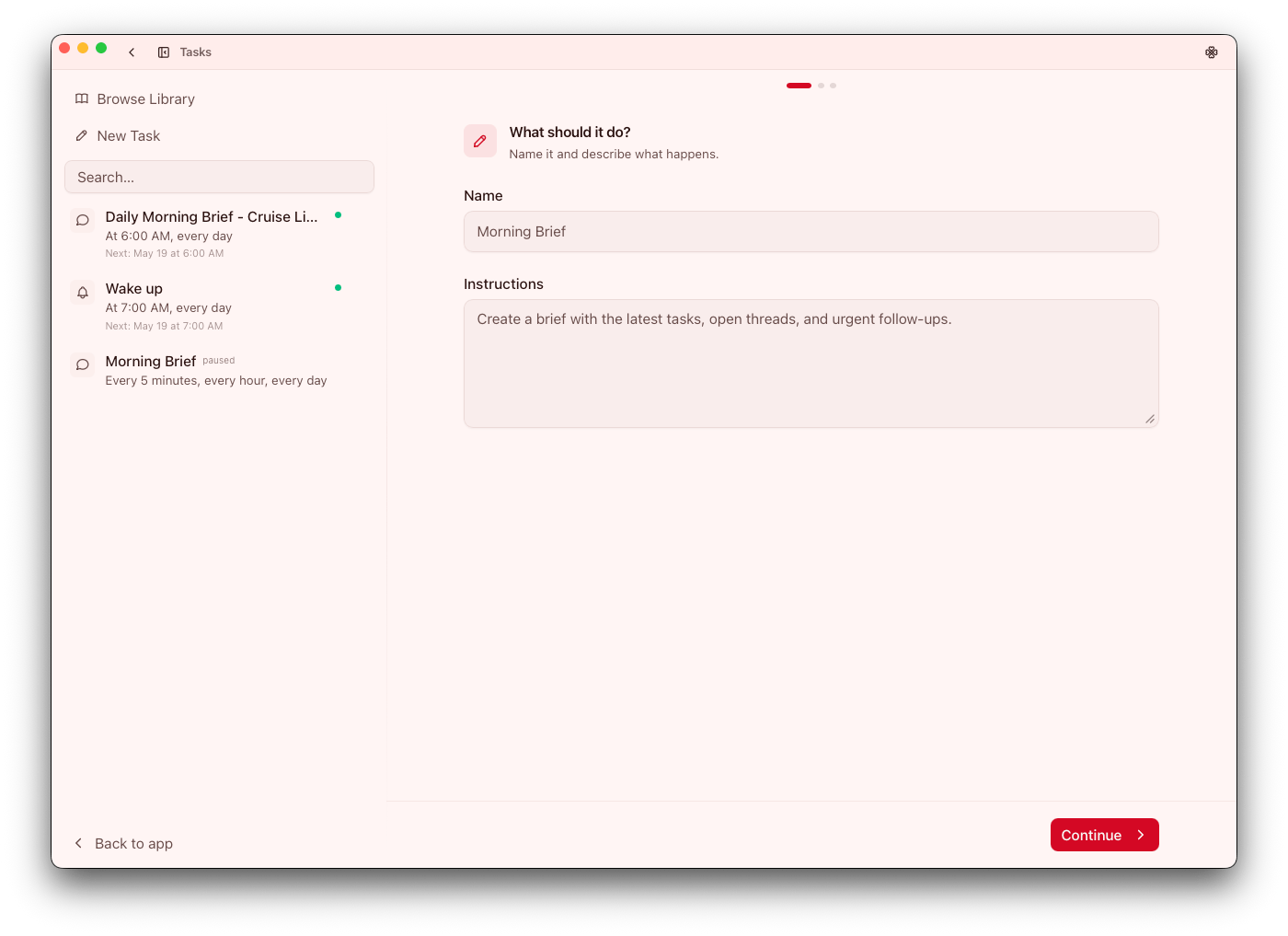
Task types
PromptReminderWatcher- Scheduled
Playbookruns
Pick the simplest type that matches the outcome. Simpler task types are easier to reason about and less likely to fail silently.
Reminder modes
Plain: send reminder text directlySource: pull context from a source before composing reminderAgent: allow model/tool-assisted reminder generation
Guidance:
- Start with
Plainfor predictable delivery - Move to
Agentwhen synthesis or tool use is required
Escalate mode complexity only when you need it. This keeps behavior deterministic and easier to troubleshoot.
Scheduling triggers
OnceCron
For production tasks, document schedule intent in the task description so operators understand why it exists. Include ownership in task naming or description so stale automations can be reviewed and retired confidently.
Goal UI behavior
For goal-driven workflows, Go supports a compact Goal UI mode that minimizes near the submit area. Use this when you want to keep long-running work active without crowding the chat surface.
Pulse refresh task
When Pulse is enabled, Go creates a locked, system-managed task named Refresh Pulse that refreshes the brief every 30 minutes.
Operational notes:
- Configure the Pulse model before enabling Pulse
- Do not treat the managed Pulse task as a normal user automation
- If Pulse is disabled, the managed task is paused
- If Pulse cards look stale, refresh Pulse directly from the Pulse button or drawer
For setup and usage details, see Pulse.
Destinations
Task output can route to:
- In-app destination
- Desktop notification
- Channel preset destination
- MCP tool destination
Channel and MCP destinations are validated against current configuration. Route high-impact outputs through destinations with clear observability and ownership.
Source-aware tasks
Watchers and source-based reminders can summarize updates and extract actionable changes. Keep criteria narrow so signal stays high. Broad watcher scopes often create noise; start narrow and expand only if coverage gaps are proven.
Task model routing
Per-task model assignments are available through Settings > Model Assignments.
Use this to route background task functions (for example summaries or titles) to different models than interactive chat when cost/speed tradeoffs matter. A dedicated background model can materially reduce cost on high-frequency schedules.
Rollout guidance
- Validate in-app delivery first
- Move to channel/tool destinations after format is stable
- Manually run tasks after edits
- Keep one clear purpose per task
Treat manual runs as release checks for automation. They prevent obvious format or routing regressions from propagating.
Operational tips
- Prefer channel presets over one-off destination values
- Keep cron schedules human-readable in descriptions
- Archive/disable stale tasks instead of leaving unclear automations active
Review active task inventory regularly so automation remains intentional and aligned with current workflows.