
Shortcuts
Create slash shortcuts for repeatable prompts and instructions
Shortcuts reduce repetitive prompting by turning common instructions into slash commands. They are one of the fastest ways to standardize operator behavior without over-automating.
Shortcut scope
- Global shortcuts: available broadly
- Agent-scoped shortcuts: available only within specific agent contexts
Use agent-scoped shortcuts for specialized workflows and global shortcuts for universal operations. If you are working with a team, this split helps prevent domain-specific instructions from leaking into unrelated work.
Shortcut fields
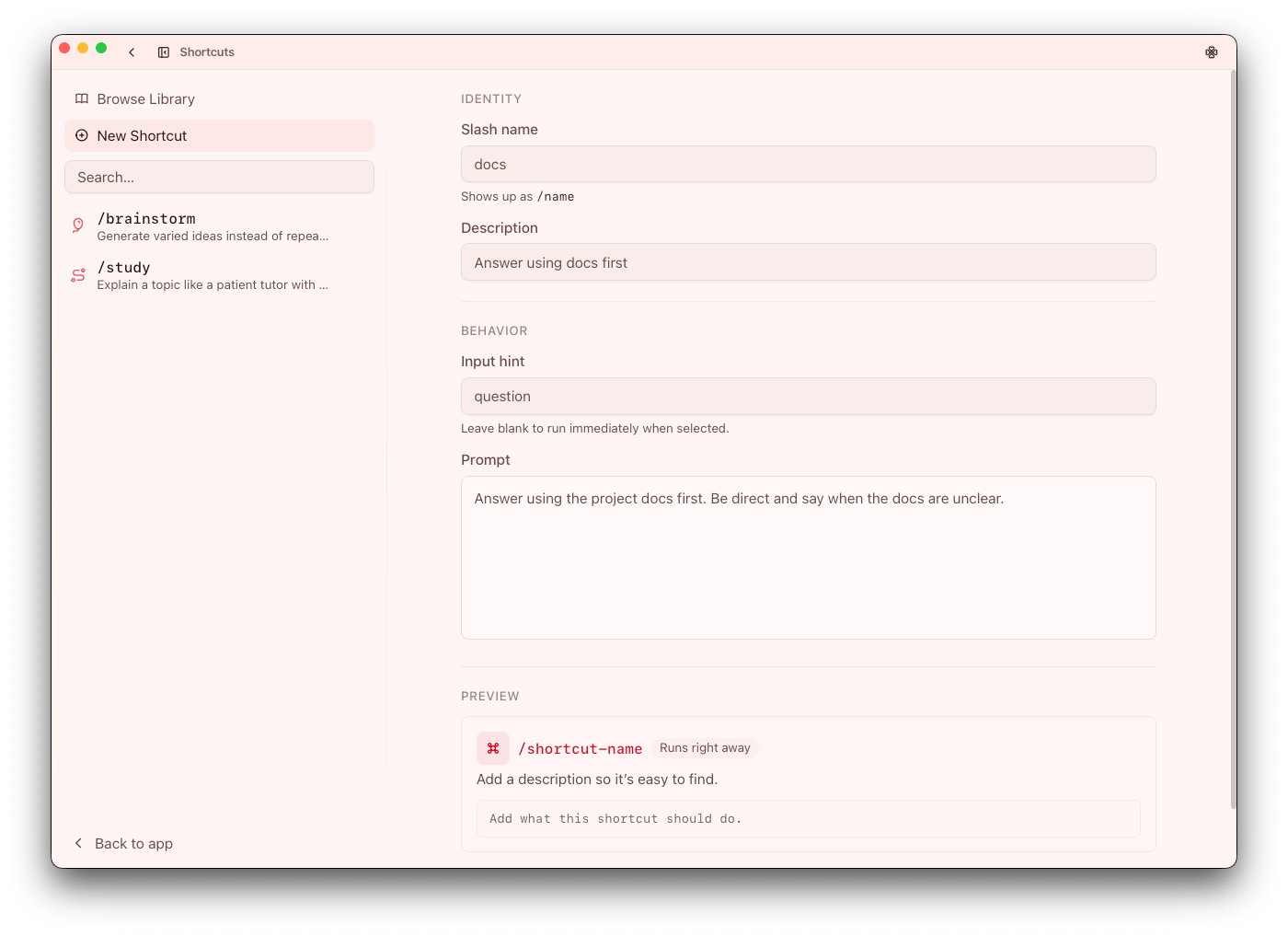
Each shortcut defines:
- Slash name (
/name) - Description
- Prompt template
- Optional input hint
- Icon
Treat the description and input hint as part of the contract. They reduce misuse and make shortcuts safer to adopt at scale.
Authoring workflow
From Shortcuts or Settings > Shortcuts:
- Create from blank or duplicate a starter
- Write the smallest useful template
- Add input hints when user-provided context is expected
- Test with realistic prompts
- Iterate for clarity and consistency
Good shortcut authoring starts with one concrete outcome. Avoid trying to make a single shortcut cover multiple unrelated intents.
Runtime behavior
- If input is required, Go prompts for it
- If no input is required, execution starts immediately
This behavior is useful for guardrails: requiring input can force operators to provide missing context before execution begins.
Design guidance
- Keep slash names short, clear, and unique
- Make descriptions outcome-oriented
- Avoid templates that are too broad
- Use agent-scoped variants when output needs domain context
When a shortcut starts accumulating exceptions, split it into two clearer shortcuts instead of adding more branching language.
High-value shortcut categories
- Review and triage
- Status/report formatting
- Decision summaries
- Repeated code/content transforms
Start with categories that are frequent and low-risk. Expand into higher-impact actions only after wording and output quality are stable.